Amazon SEO in 2026: keywords, titles & backend search terms
You can have the best images on Amazon and still sell nothing — if no one finds the listing. Amazon SEO is how you get in front of shoppers in the first place. The good news: unlike Google, Amazon's ranking is refreshingly commercial. It rewards listings that get found, clicked, and bought. Here's how to earn all three.
How Amazon ranking actually works
Amazon's algorithm has two jobs: match a search to relevant products (relevance), then rank the ones most likely to sell (performance). Relevance comes from your keywords being present in the listing. Performance comes from click-through rate, conversion rate, and sales velocity. So SEO isn't only "put the keyword in" — it's "put the keyword in and convert the traffic it brings."
Step 1 — Real keyword research
Start with how your customer talks, not how you describe the product internally. Build a list from:
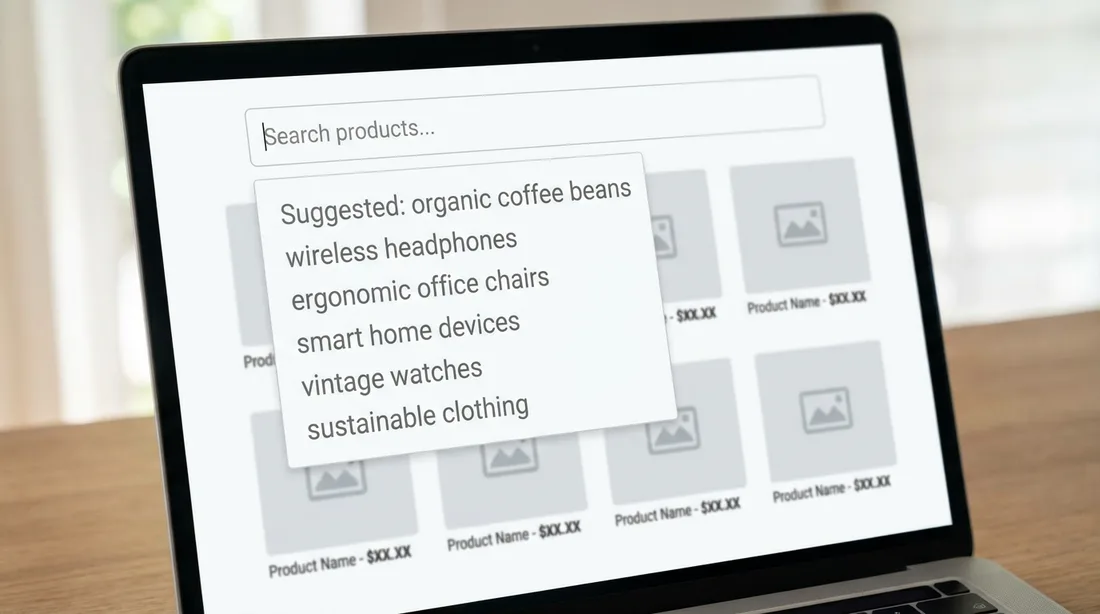
- Amazon's own search-bar autocomplete (real queries, in demand order)
- Competitor titles and the terms they rank for
- Your own reviews and Q&A — the exact words buyers use
- A keyword tool for search volume and to catch long-tail phrases
Group them into your primary term, secondary terms, and long-tail phrases (lower volume, higher intent, easier to rank).

Step 2 — Title structure
The title is the heaviest ranking and click factor you control. Front-load the most important keyword, then work in brand, key feature, and one differentiator — while still reading like a human wrote it. A keyword-stuffed title that no one wants to click hurts you twice, because low CTR drags your ranking down.
Rank is rented, not owned. Amazon keeps giving your position to the listing that converts the traffic better than you do.
Step 3 — Bullets, description & A+
Work secondary keywords naturally into your bullet points and description. Note that text inside A+ Content is generally not indexed for search — so keep your keyword-carrying copy in the title, bullets, and description, and use A+ for conversion.

Step 4 — Backend search terms
Seller Central gives you hidden "search terms" fields. Use them for synonyms, spelling variants, and related words you couldn't fit naturally into the visible copy. Rules that save you wasted space:
- Don't repeat words already in your title/bullets — it's redundant
- No commas needed; single spaces separate terms
- Skip your brand and competitor brands
- Stay within the byte limit or the whole field can be ignored
Step 5 — Then convert
Once you rank, conversion is what keeps you there. This is where great images and A+ content compound with SEO: ranking gets the click, design earns the sale, and the resulting sales velocity pushes you higher. SEO and conversion aren't separate projects — they're the same flywheel.
The quick checklist
- Keyword list built from autocomplete, competitors, and reviews
- Most important keyword front-loaded in a human-readable title
- Secondary keywords woven into bullets and description
- Backend search terms filled with synonyms, no repeats, within the limit
- Traffic converted with strong images so rank holds
Ranking but not converting?
Send us your ASIN and we'll show you where the clicks are leaking — free.
Get a free audit →